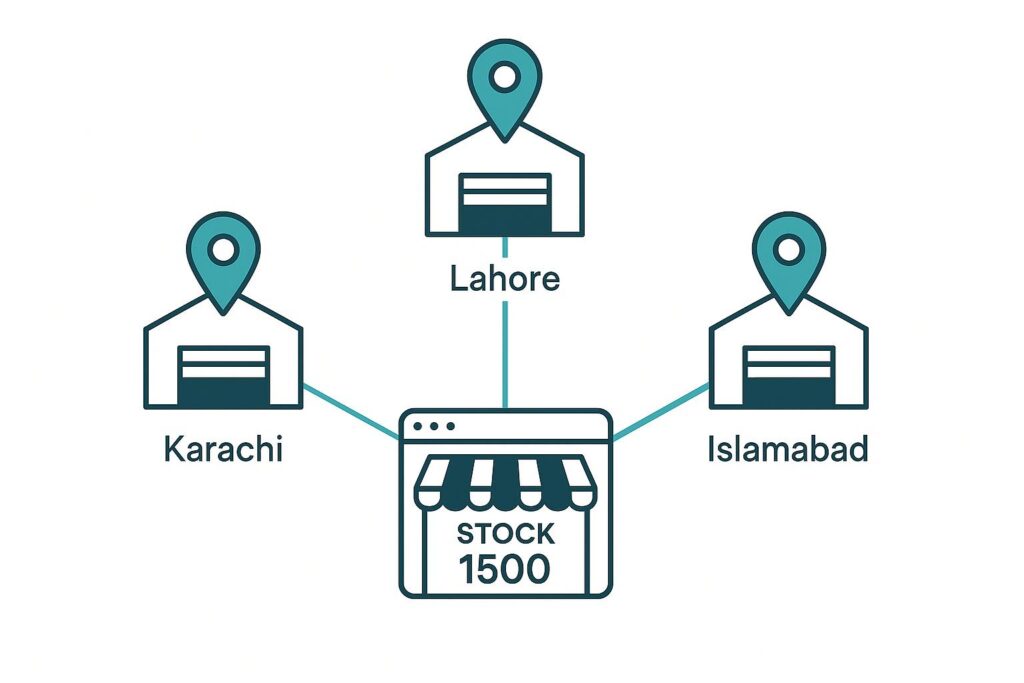
Growth is a good problem — until your single storeroom becomes a shop in Karachi, a warehouse in Lahore, and a dispatch point in Islamabad, and none of them agree on how much stock you have. Multi-warehouse inventory is where many Pakistani Shopify brands lose control, because Shopify shows one big number while the reality is scattered across cities. This guide explains how to run multi-warehouse inventory in Pakistan properly, so every location stays accurate and orders ship from the right place.
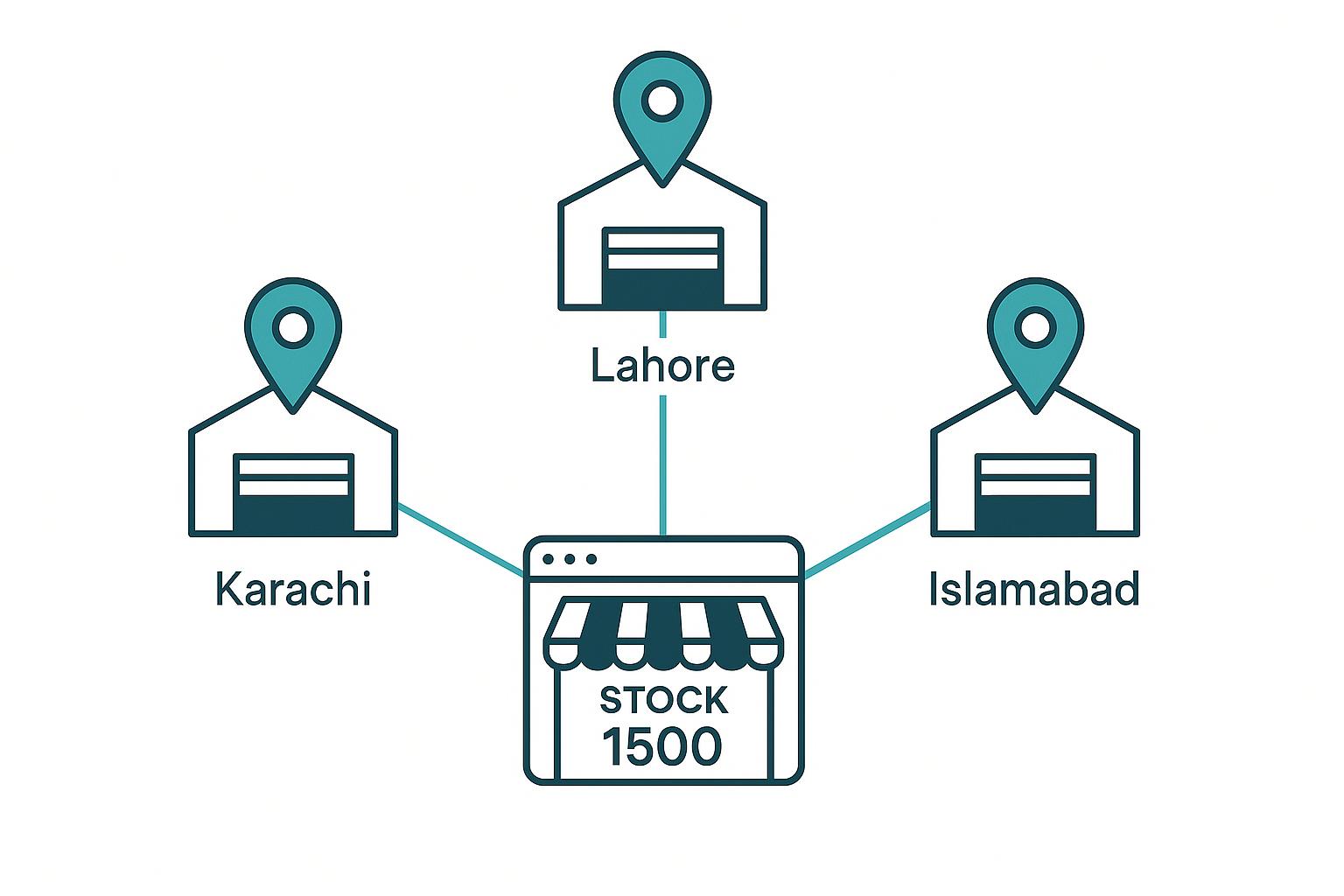
The multi-warehouse problem
The classic failure looks like this: Shopify says you have 40 units of a product. A customer in Lahore orders. You go to ship — and discover all 40 are sitting in Karachi. Now you are either delaying the order, paying to inter-city transfer a single unit, or cancelling. The root cause is treating stock in multiple cities as one undifferentiated number. Once you have more than one location, “how many do I have” is the wrong question. The right question is “how many do I have, and where.”
Track stock per location
Proper multi-warehouse inventory tracks counts per location, not just in total. You should be able to see, at a glance, that a product has 28 units in Karachi, 9 in Lahore, and 3 in Islamabad — and a combined total of 40. That per-location visibility is what lets you make good decisions: which warehouse fulfils an order, where to restock, and which location is running dry. A tool like ScaleOps Inventory is built around unlimited locations, each with its own live count.
Map each warehouse to a Shopify location
Shopify supports multiple locations natively, and the key to clean multi-warehouse operations is mapping each physical warehouse to its corresponding Shopify location. When your inventory system writes stock back to the correct Shopify location, Shopify can route each order to the nearest or most appropriate warehouse, and your per-location counts stay accurate. Without this mapping, you are back to one big number and the Lahore-order-Karachi-stock problem.
Move stock with logged transfers
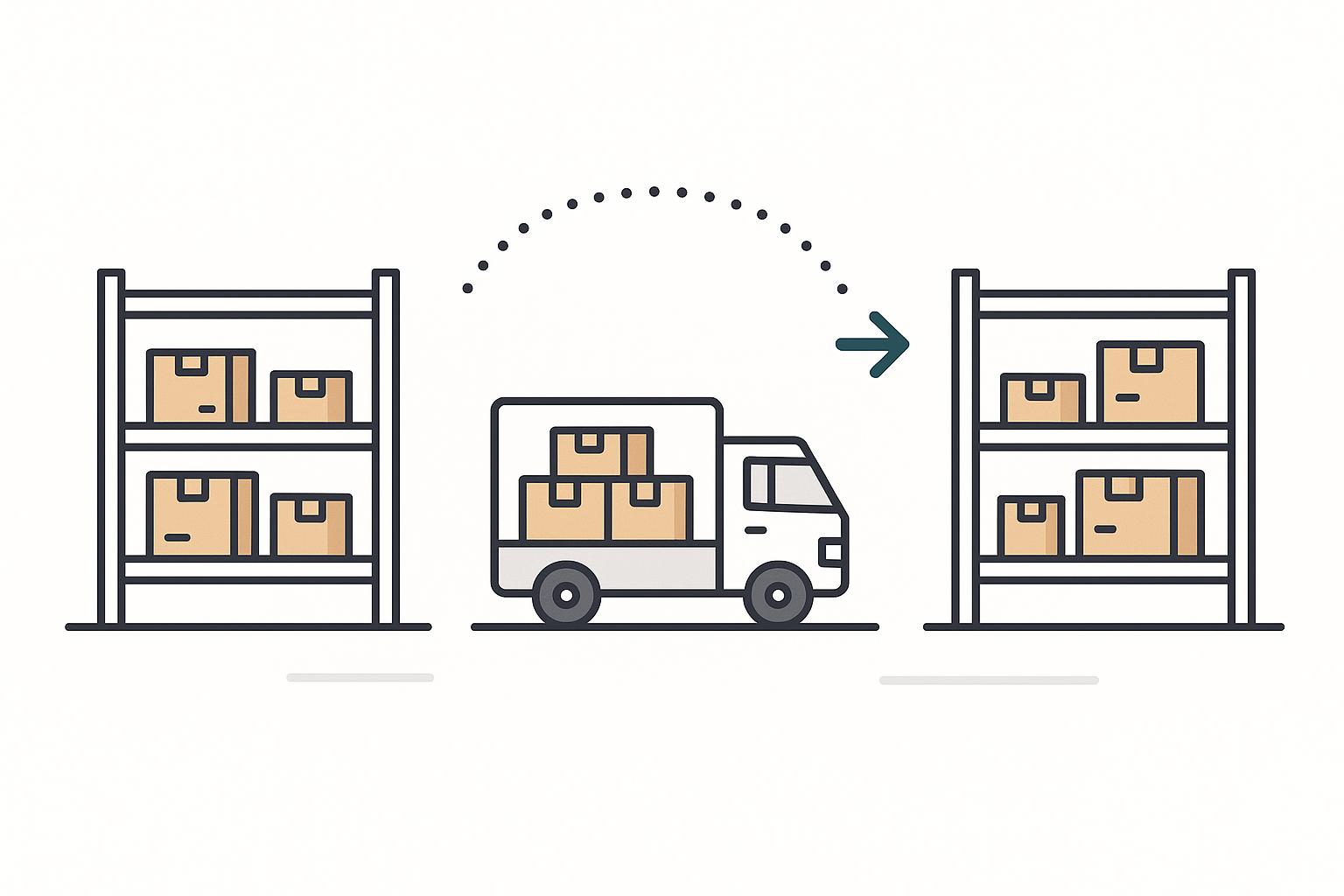
Stock moves between your cities — a Lahore warehouse restocks from Karachi, a dispatch hub draws from a main store. Every such move should be a logged transfer: stock leaves one location, is in transit, and arrives at another, with a record at each step. Logged transfers prevent the most common multi-warehouse leak, where units “disappear” somewhere between two cities because nobody recorded the move. With transfers tracked, your total never lies and you always know what is in transit.
When to add a second warehouse
More locations mean more complexity, so add them deliberately. It usually makes sense when: a meaningful share of your orders ship to a distant city and inter-city delivery is slow or costly; your single location cannot physically hold your stock; or you want faster delivery (and lower returns) by dispatching closer to customers. If none of those apply yet, a single well-run location is simpler and cheaper. When you do expand, the operational backbone is the same playbook covered in our complete inventory guide for Shopify COD stores in Pakistan.
Know what you have, and where
ScaleOps Inventory tracks unlimited warehouses, maps each to Shopify, and logs every transfer. Start a free trial.
Get a Free Trial →Frequently asked questions
How do I manage Shopify inventory across multiple warehouses in Pakistan?
Track stock per location rather than as one total, map each physical warehouse to its corresponding Shopify location so orders pull from the right city, and record every inter-city movement as a logged transfer. This keeps each location accurate and prevents the common failure where Shopify shows stock that is actually all in one city.
Can Shopify handle multiple store locations?
Yes. Shopify supports multiple locations natively. The key is connecting your inventory system so it writes stock back to the correct Shopify location, which lets Shopify route orders appropriately and keeps per-location counts accurate. Inventory tools built for multi-warehouse operation handle this mapping for you.
Why does my Shopify stock show available but the order cannot ship?
Usually because stock is tracked as a single total while the units are physically in a different city than the customer. If your system does not track per location and map to Shopify locations, the store sells from a combined number it cannot actually fulfil from the nearest warehouse. Per-location tracking fixes this.
How do I move stock between warehouses without losing track?
Record every move as a logged transfer: stock leaves the source location, is marked in transit, and is confirmed on arrival at the destination. This prevents units disappearing between cities and keeps your totals and in-transit figures accurate at all times.
When should a Pakistani store open a second warehouse?
Consider a second location when a large share of orders ship to a distant city with slow or costly delivery, when your current space cannot hold your stock, or when dispatching closer to customers would speed delivery and cut returns. Until then, a single well-run location is simpler and cheaper.
