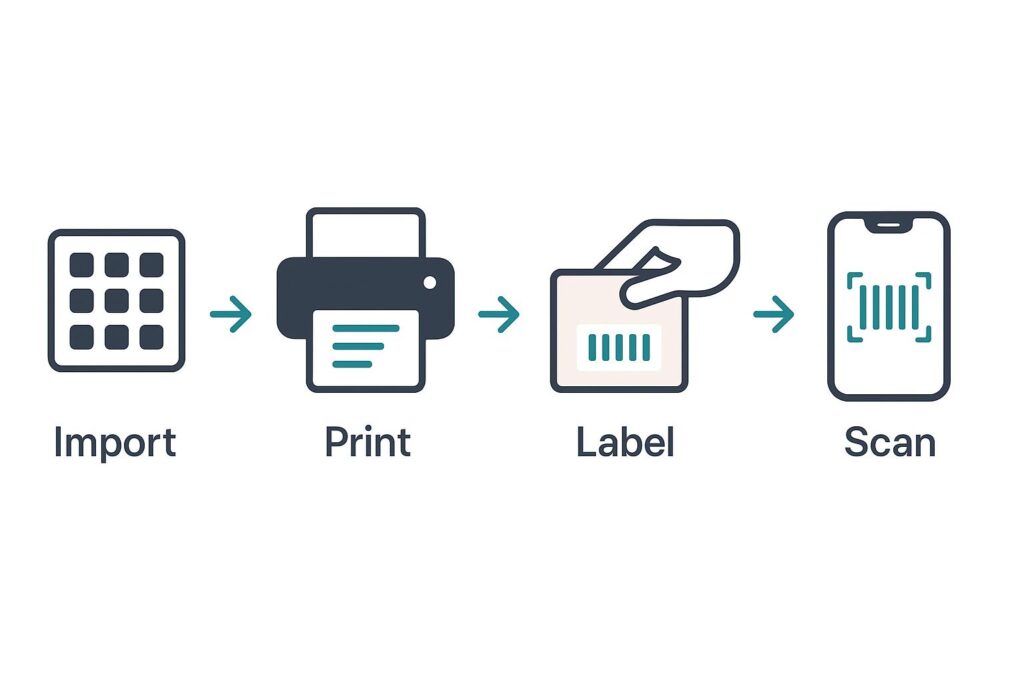
Many small Shopify owners in Pakistan assume barcodes mean expensive scanners, label printers, and a complicated setup. They do not. You can set up a working barcode system for your Shopify store using the phones your team already carries and an ordinary printer. This guide walks you through the whole thing — import, print, label, scan — with no special hardware required to get started.
Why bother with barcodes
Barcodes turn slow, error-prone manual stock work into fast, accurate scanning. Instead of reading a SKU and typing a number, your team points a phone and the system records the exact item and event. For a COD store, the payoff is biggest at returns: scanning a refused parcel back into stock takes seconds and never goes to the wrong variant. Barcodes are the foundation that makes everything else — accurate counts, real-time Shopify sync, clean returns — actually work.
What you need (and what you do not)
Here is the honest hardware list to start:
- A smartphone — any reasonably modern phone with a camera. Your team already has these.
- A normal printer — a regular inkjet or laser printer on plain A4 paper, or cheap label sheets if you have them.
- Inventory software that generates barcodes — so you do not design or buy anything.
What you do not need to begin: a dedicated barcode scanner gun, a thermal label printer, or any networked warehouse hardware. Those are optional upgrades for high volume, not requirements. A tool like ScaleOps Inventory is built to run on phones from day one.
The 4-step setup
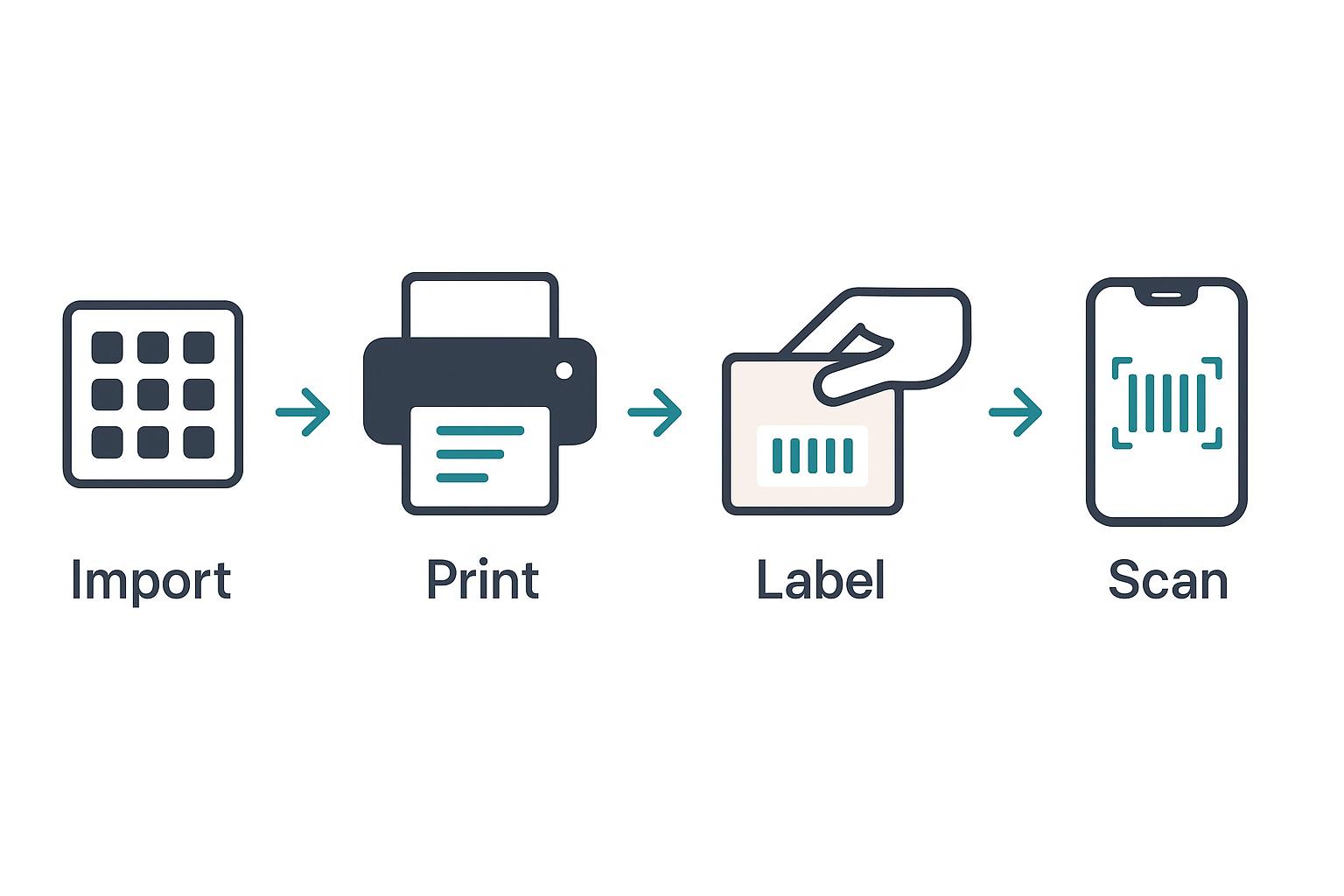
- Import your products. Bring your product list into the system — name, variant, and current stock. It generates a unique barcode for every unit automatically.
- Print your labels. Print the barcodes on a normal A4 printer. You get dozens per page; cut them or use label sheets.
- Label your stock. Stick a barcode on each unit as you receive it. New stock gets labelled at receiving; existing stock gets labelled once, in a batch.
- Scan with a phone. Your team now uses phone cameras to receive, move, sell, and return units. Every scan updates stock and, with Shopify connected, your store.
That is the entire setup. Most small Pakistani stores complete it in a day or two. For the wider picture of what barcodes unlock, see our guide to barcode inventory systems and per-unit tracking.
Tips for clean labels
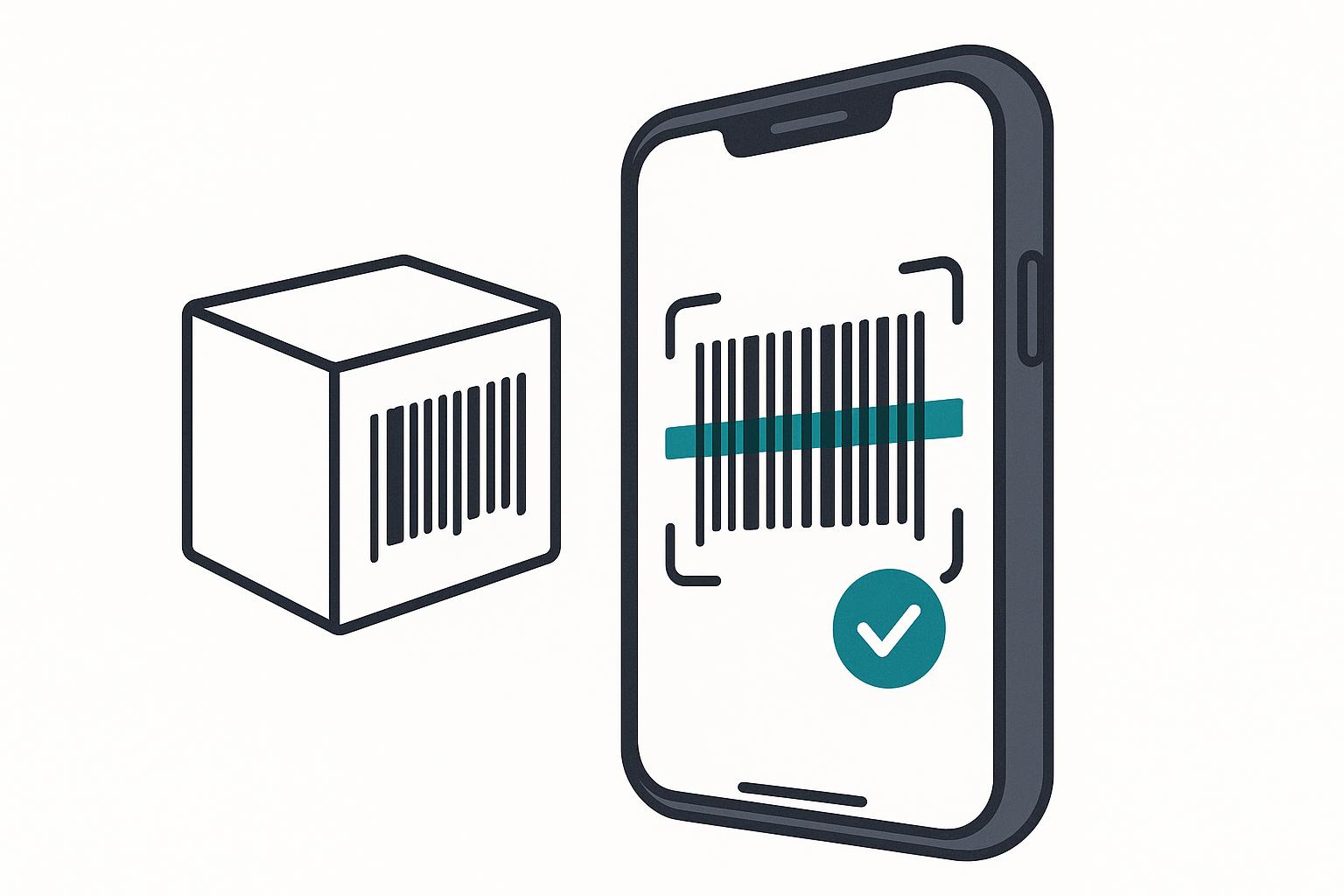
- Print at a sensible size. Too small and phone cameras struggle; too big wastes paper. The default size in good software is tuned for phone scanning.
- Stick labels on a flat surface. Curved or wrinkled labels scan poorly. Put them on a flat face of the box or a hang tag.
- Keep labels clean and unobscured. Avoid covering them with tape that creates glare, which can confuse the camera.
- Label at receiving. Make labelling part of unpacking new stock so nothing slips into the warehouse unlabelled.
Start with the phones you already have
ScaleOps Inventory generates barcodes, prints on a normal printer, and scans with any phone. Start a free trial.
Get a Free Trial →Frequently asked questions
How do I set up barcodes for my Shopify store in Pakistan?
Import your products into inventory software that generates a barcode for each unit, print the labels on a normal A4 printer, stick a label on each unit as you receive it, and scan with a phone to receive, move, sell, and return stock. With Shopify connected, each scan keeps your store count accurate. Most small stores finish setup in a day or two.
Do I need a barcode scanner to use barcodes?
No. A smartphone camera works as your scanner for low-to-medium volume. A dedicated USB or Bluetooth scanner is an optional upgrade for high-volume days; it is not required to start. You can run the whole system on the phones your team already has.
Can I print barcodes on a normal printer?
Yes. A regular inkjet or laser printer on plain A4 paper prints dozens of barcode labels per page. A thermal label printer is optional and only worth it at higher volumes. Good software sizes the barcodes correctly for phone scanning by default.
What if my products do not have barcodes already?
That is normal and not a problem. The software generates a unique barcode for every unit, so you do not rely on manufacturer barcodes. You simply print and apply the generated labels yourself, which also lets you track each individual unit rather than just a product type.
How long does barcode setup take for a small store?
Most small Pakistani stores complete setup in one to two days: importing products and generating barcodes is quick, and the main effort is a one-time batch of labelling existing stock. After that, labelling becomes a quick step in receiving new inventory.
